 Keep2share - K2s
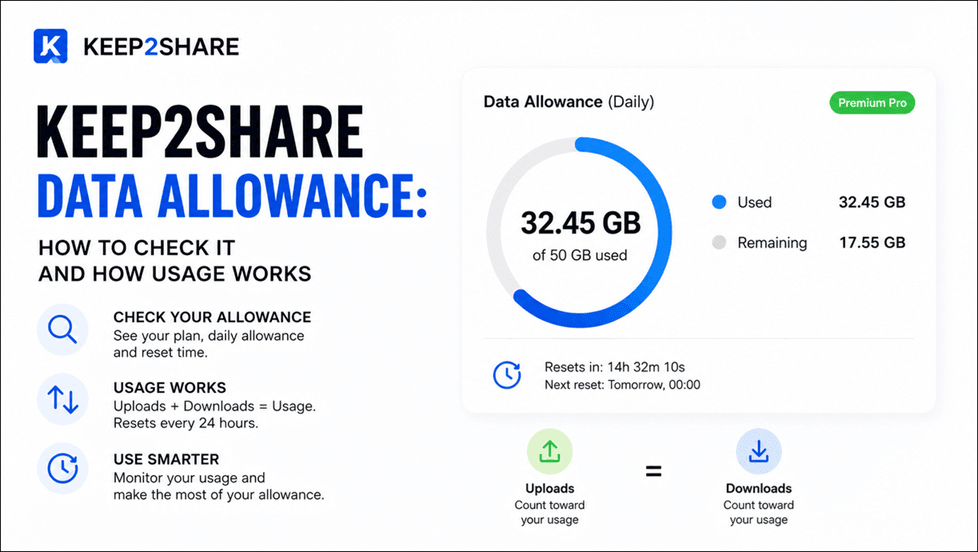
Keep2Share Data Allowance: How to Check It and How Usage Works
Keep2Share Premium users can easily check their remaining data allowance and monitor how much traffic they have used. This is particularly useful if you regularly download large videos, ZIP files, archives, or other files and want to avoid unexpectedly reaching your daily limit.
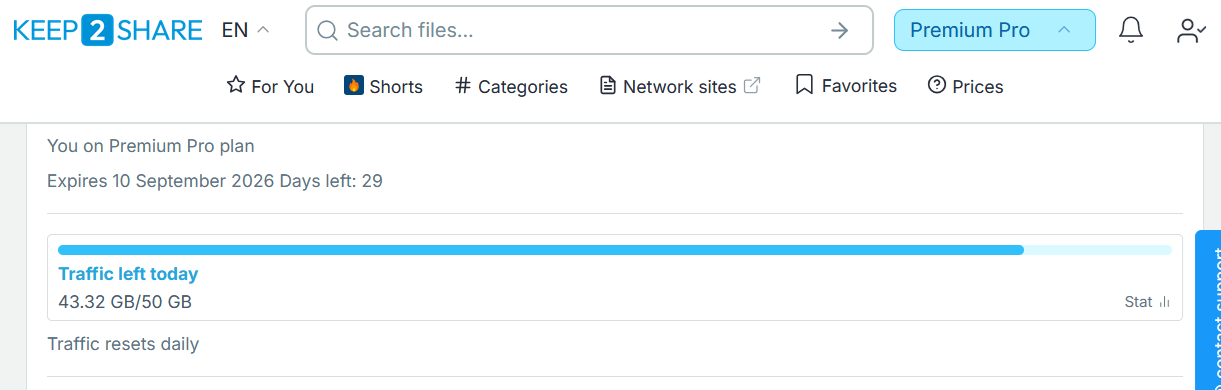
You can check your current data allowance by visiting the Keep2Share Profile page at keep2share.cc/profile. After logging into your account, you can see information about your current Premium plan, including when your subscription expires and how much daily data allowance is available.
For example, if you have a Premium Pro plan with a 50 GB daily allowance, your profile page shows how much of that allowance remains available for the current period.
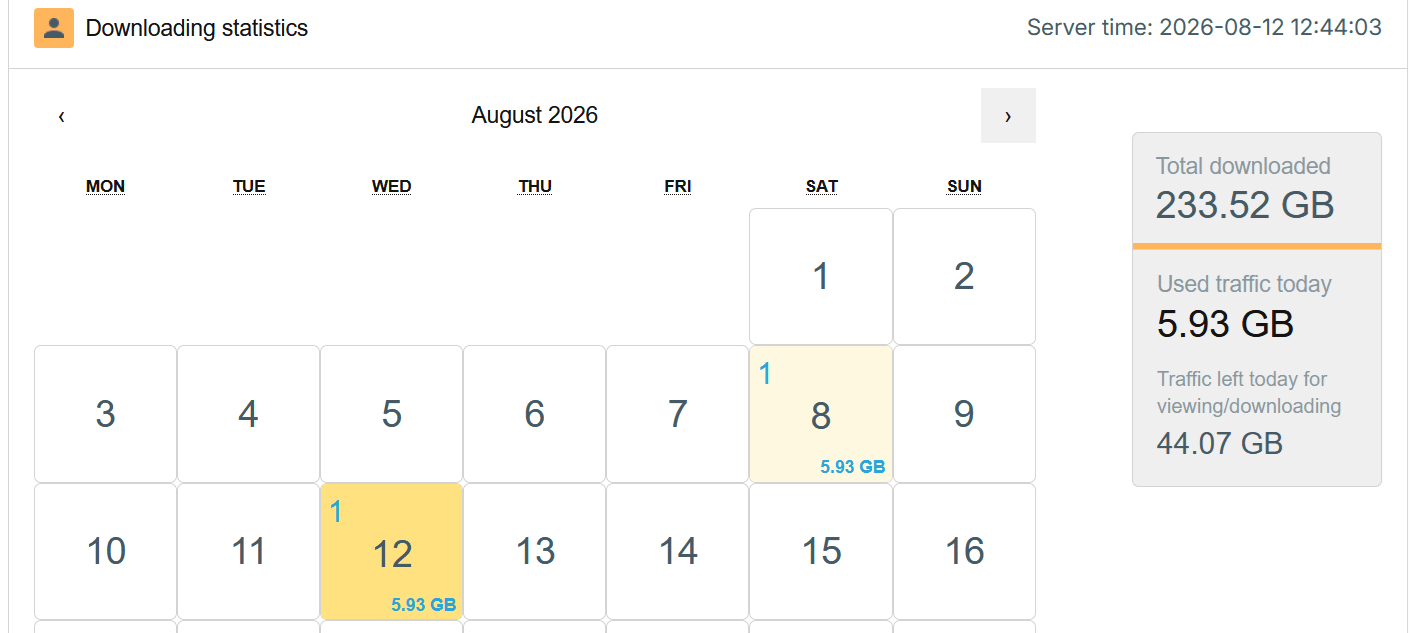
Keep2Share also provides a statistics page where you can see your previous data usage. You can access it at keep2share.cc/profile/statistic. The Stats section allows you to check how many GB you used on different days, making it easier to monitor your download activity over time.
Your data allowance is consumed when you actually transfer or stream content. Simply opening a file or video page does not consume your data allowance.

For example, if you click the download link for a 5 GB ZIP file, approximately 5 GB of your available allowance will be used for that download. The same principle applies to videos, archives, and other downloadable files.
Video streaming works similarly. Opening a video page does not consume your allowance. However, once you press the Video Play button and start watching the video, the video’s data size is counted against your allowance.
For example, if a video uses 2 GB of data, playing that video will consume approximately 2 GB from your available allowance.
Therefore, your remaining Keep2Share quota primarily depends on the amount of data you actually download or stream, rather than simply browsing file or video pages.
19